
Dashboard
Your home screen — the day at a glance with live KPIs and quick links.
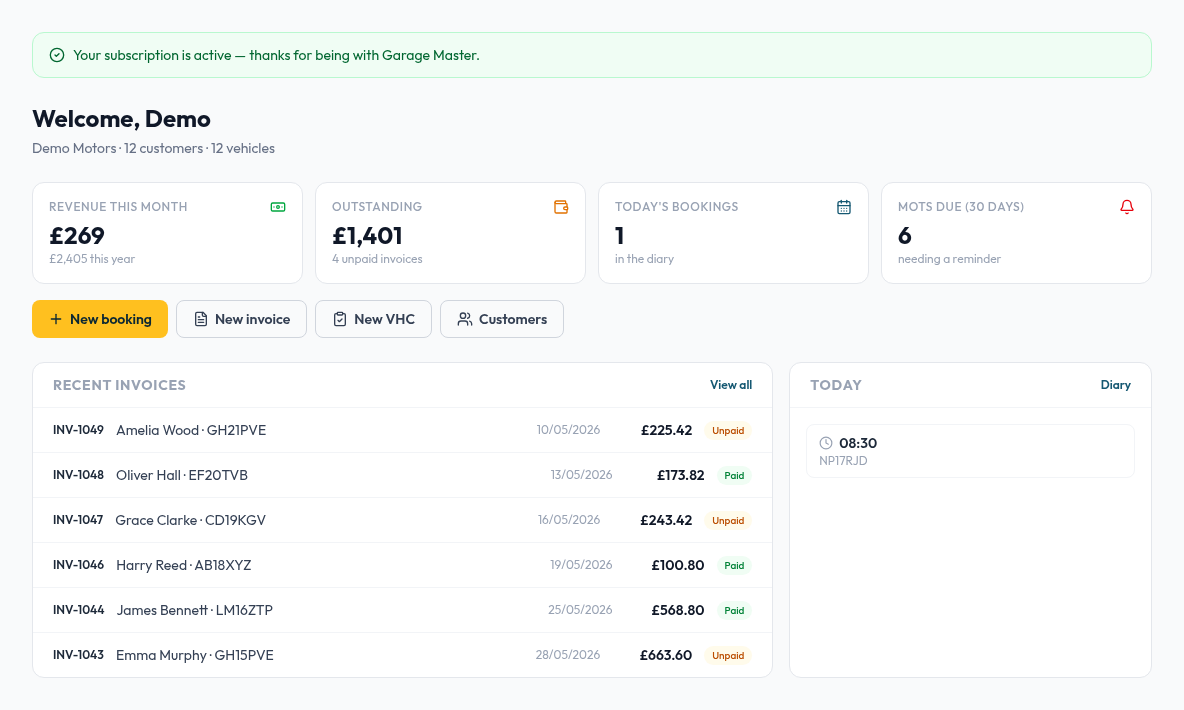
- 1Open the app — you land on the Dashboard automatically.
- 2The top cards show revenue this month, outstanding (unpaid) invoices and MOTs due.
- 3Today's bookings shows what's in the diary for today; "New booking" and "New invoice" are one click away.
- 4Recent invoices lists your latest jobs — click any to open it.
💡 Staff members see a simplified dashboard with their own shifts, leave and overtime.
Still need help?
Email sales@garagemasteronline.com — we'll get back to you quickly.